Inbound shipments for Shopify stores
Your supplier sends your products straight to us, and we check every item. They are on sale in your Shopify store no later than one weekday after they arrive.
| Product | Expected | Received |
|---|---|---|
| Organic Cotton Tee | 30 | 30 |
| Heavyweight Hoodie | 20 | 20 |
| Heavyweight Hoodie | 20 | 20 |
Expected against received
The receiving report shows the expected and the received quantity for each item.
From your supplier to your Shopify store
From your Shopify products
An inbound shipment tells us which products are on their way. You create it from the products already in your Shopify store.
Straight from your supplier
Your supplier sends the parcels straight to our warehouse. Each parcel needs only its shipping label.
Your own barcodes
EAN, UPC or a barcode you printed yourself all work. If an item has none, we label it for 9.00 kr. per item.
You see your products arrive in your dashboard

Incoming in Shopify
When you add the tracking numbers, your Shopify store shows the products as incoming.

On sale within one weekday
Your products are on sale in your Shopify store no later than one weekday after they arrive.
When a delivery does not go to plan
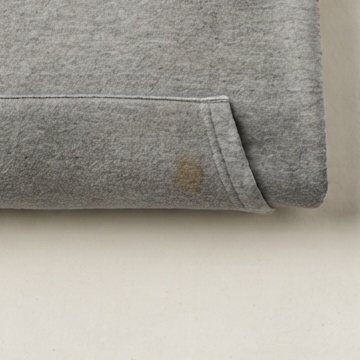
Damaged on arrival
We photograph the damage. You see the photo in your dashboard and decide. Quality control
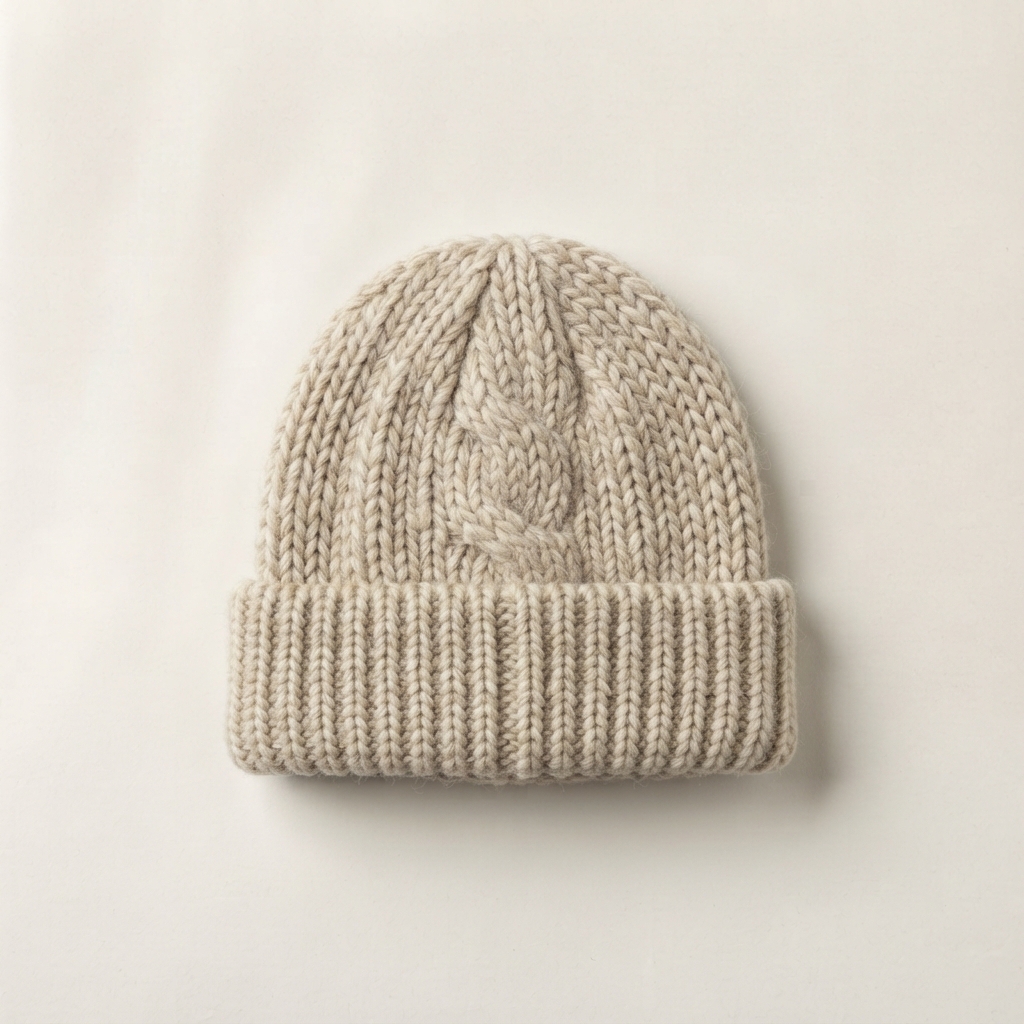
An item you didn't list
If an item arrives that is not on your inbound shipment, you see its photo in your dashboard. Choose the product it is, and we put it in stock.

Fewer than you ordered
The receiving report shows the difference for each item. Damage to a parcel is photographed with its shipping label, as proof for your supplier.
What it costs
| Checking your products | 0.00 kr. |
| Barcode label, per item | 9.00 kr. |
| Storage, per litre per night | 0.01 kr. |
All prices exclude VAT.
We check your products at no charge
Storage runs from the night your products arrive, per litre per night. See prices
Questions about inbound shipments
What is an inbound shipment?
An inbound shipment tells us which of your products are on their way to our warehouse. You create it in your dashboard, from the products in your Shopify store.
How do I create an inbound shipment?
Choose the products from your Shopify store and enter a quantity for each. When your supplier ships, add the tracking number for each parcel.
When are my products on sale?
Your products are on sale in your Shopify store no later than one weekday after they arrive.
Can my supplier send directly to you?
Yes. Your supplier sends the parcels straight to our warehouse. Each parcel needs only its shipping label.
Who pays freight and customs to your warehouse?
You or your supplier. We are not the importer. Your supplier must ship Delivered Duty Paid (DDP), so the shipment arrives with customs and duties paid.
Does it cost anything to have my products checked?
No. We check your products at no charge. Storage runs from the night they arrive.
Which barcodes can I use?
EAN, UPC or a barcode you printed yourself, as long as it is a normal striped barcode. QR codes and other 2D barcodes are not supported yet.
What if my items have no barcode?
We label each item with a barcode of our own, for 9.00 kr. per item.
Which items can I send?
An item may measure at most 36 × 26 × 26 cm and weigh at most 4.5 kg. Some items are prohibited.
What if I send a prohibited item?
We do not put it in stock. We notify you in writing, and the item is disposed of.
Can my first shipment be small?
Yes. Send a few of your products and follow them all the way to your customer. Send the rest in the next shipment.
Can I send several parcels?
Yes. Add a tracking number for each parcel to the same inbound shipment. Each order from your supplier gets its own inbound shipment.
Can I send pallets?
Write to us before you send pallets, so we can agree on it. We do not receive containers.
Can I change an inbound shipment?
Yes. You can edit your inbound shipment until we receive it.
What happens if an item arrives damaged?
We photograph the damage. You see the photo in your dashboard and decide. The item is kept off sale until you do.
What if an item arrives that I didn't list?
You see its photo in your dashboard. Choose the product it is, and we put it in stock.
What if fewer items arrive than I expected?
The receiving report shows the expected and the received quantity for each item. You see the difference and can take it up with your supplier.
Start with a few of your products
Sign up and connect your Shopify store. Follow your first products all the way to your customer. Then send the rest.